How it works
One session, from discussion to dispatched code.
The walkthrough below is a real session: a three-person team, one conversion goal, two incompatible ideas — and what LiveMerge does with them. Six steps, no PR in sight.
01
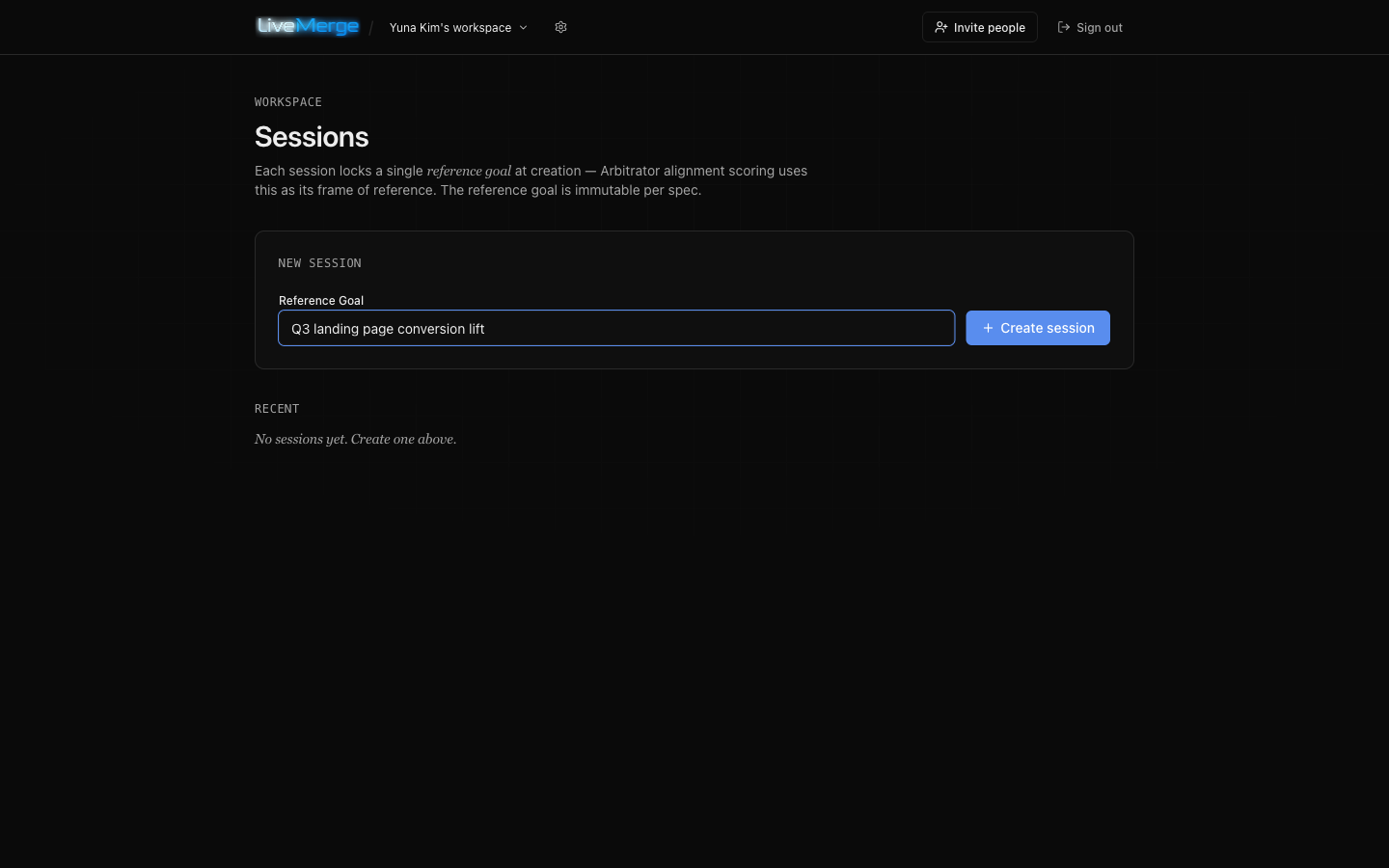
Create a session around one goal
Every session locks a single reference goal at creation — e.g. “Q3 landing page conversion lift”. Everything that follows (task derivation, conflict arbitration) is scored against this goal, so make it the outcome you actually want, not a task list.
02
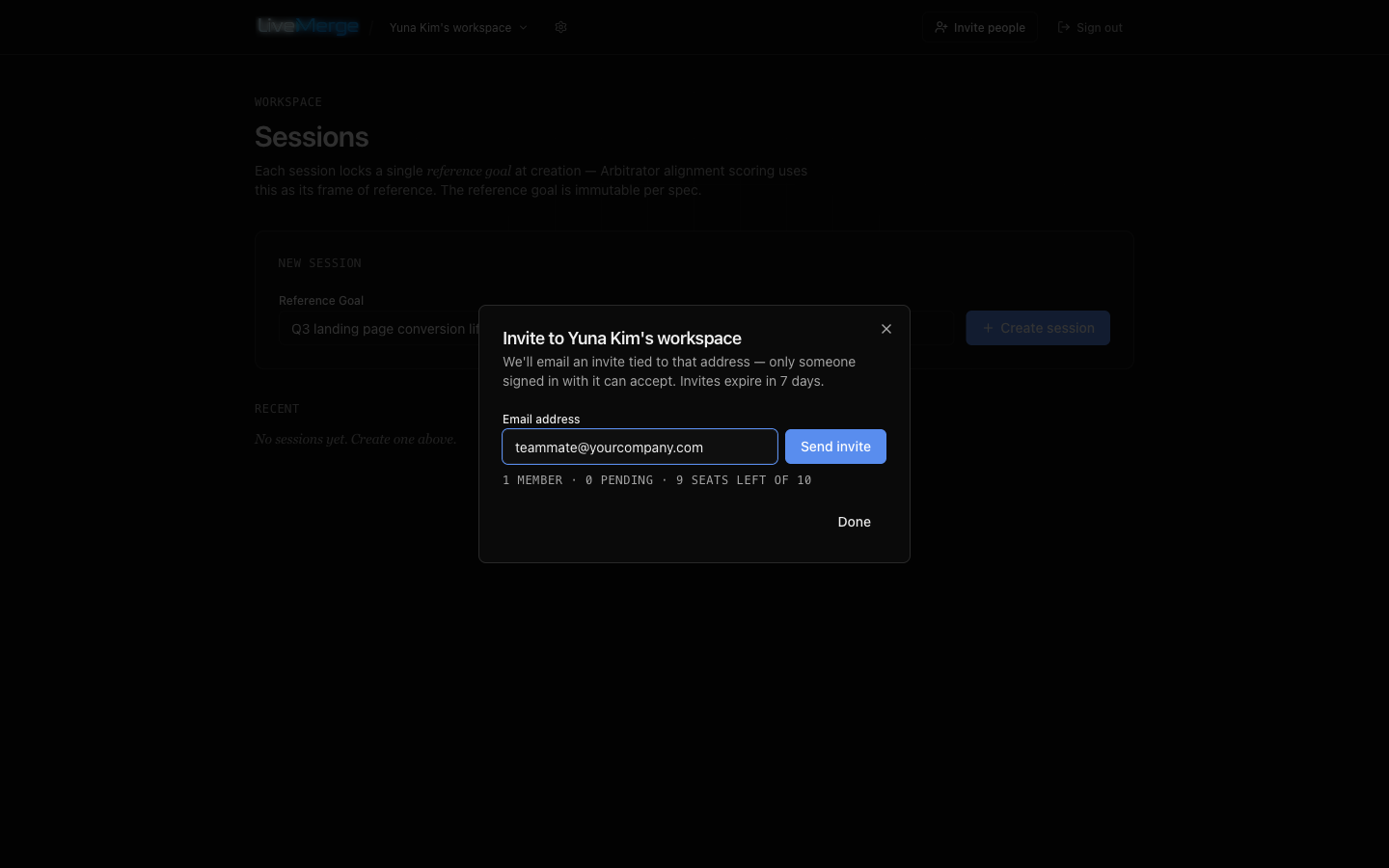
Invite your team
Send email-bound invite links from the workspace header. Anyone in the workspace can join any session — no per-session setup. Trial workspaces fit a team of three.
03
Install the bridge & pair your coding agent
Approved tasks won’t stop at a to-do list — they’ll run through your own machine via livemerge-bridge, a small daemon that connects your local
claude/codexCLI to the session. You need Node 20+ and a working (signed-in)claudeorcodexCLI. Install once, then click Pair agent in the session and run the copied command from your project directory. The daemon verifies every dispatch’s signature before running anything, executes the task in that directory, and reports the result (exit code + changed files) back to the session. Your code never leaves your machine; only task descriptions travel.# one-time install (Node 20+)$ npm install -g livemerge-bridge# then, from your project directory —# paste the command copied from the Pair agent dialog:$ livemerge-bridge connect <token> --project-dir ~/projects/my-app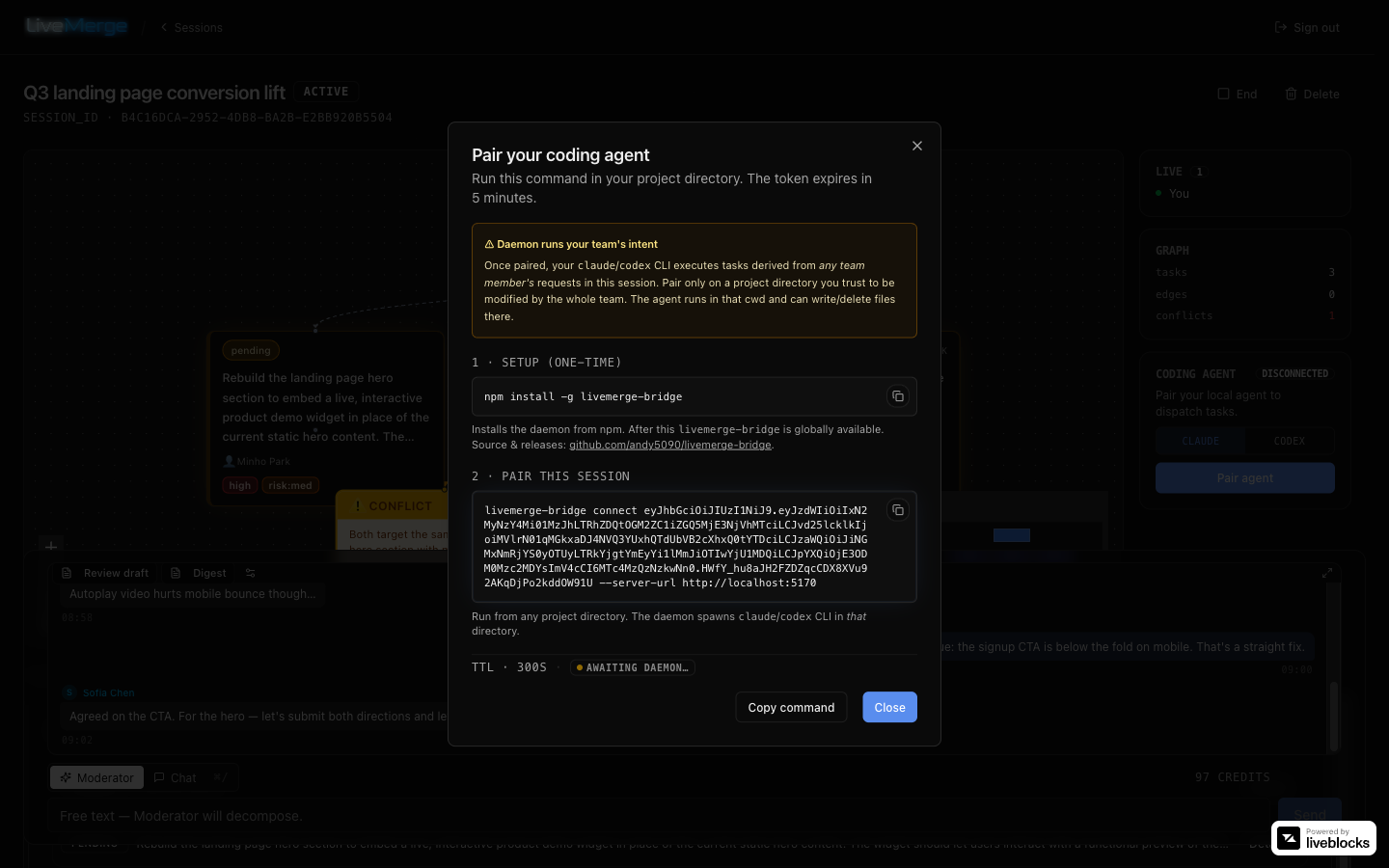
04
Talk it out — the Moderator builds the task graph
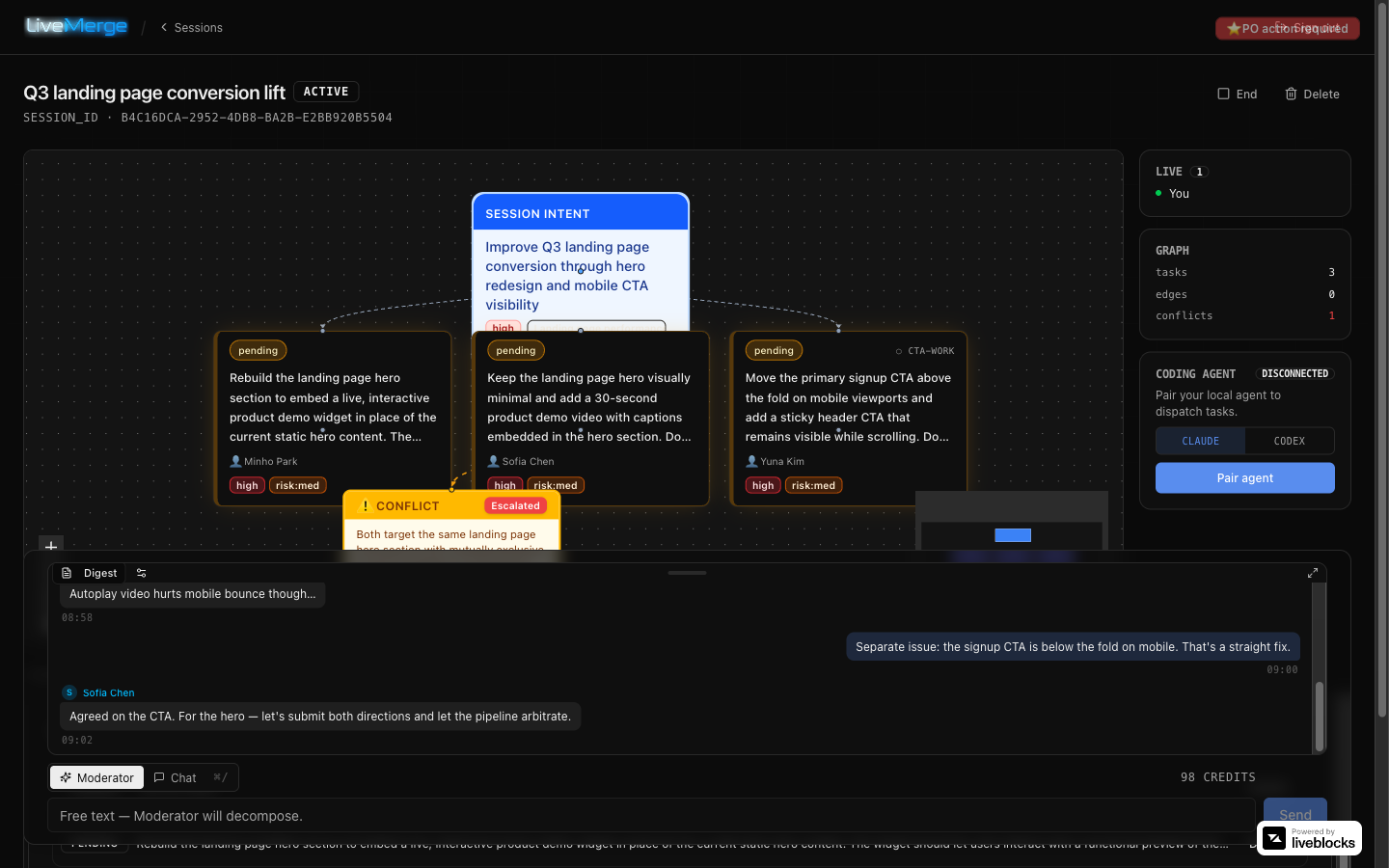
Chat freely in the team thread, and submit concrete asks in Moderator mode as plain language. The Moderator AI re-derives one consolidated task graph from the whole request history: dependencies, parallel groups, urgency — and it detects conflicts instead of papering over them. Here two teammates asked for incompatible hero directions; the graph shows both, flagged as a conflict.
05
Conflicts escalate to a human decision
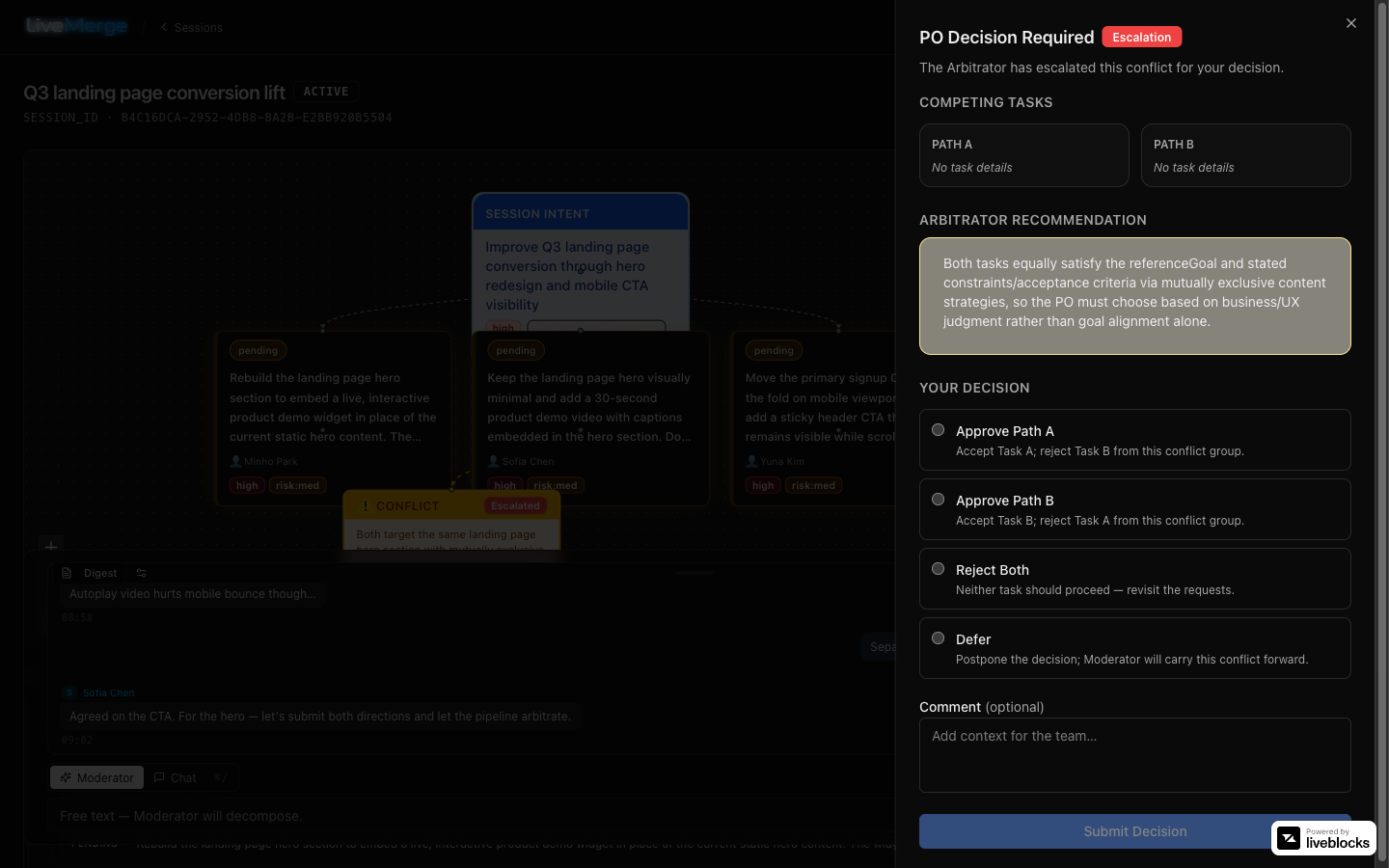
The Arbitrator AI scores each competing task against the session goal. When alignment alone can’t settle it, the conflict escalates to the decision panel: approve a path, reject both, or defer — with your reasoning recorded for the team. You judge; you don’t untangle.
06
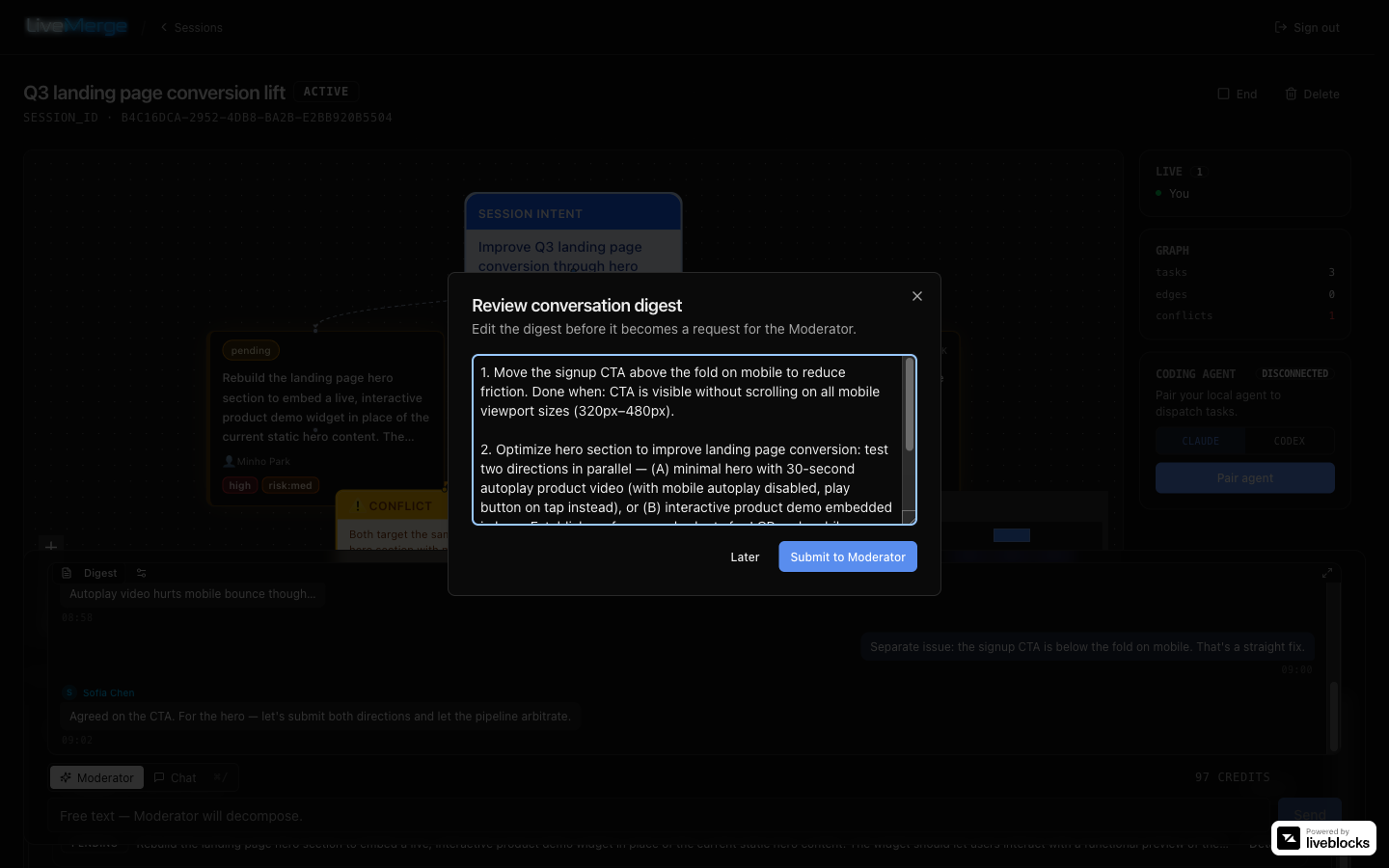
Reached a conclusion in chat? Digest it
The Digest button summarizes the discussion since the last digest and turns it into a Moderator-ready request — so free-form conversation feeds the pipeline instead of dying in the scrollback. Auto-submit it, or review and edit the draft first (per-session setting; the session owner can also grant digest rights to teammates).